Help › Forecasts, sharing and the assistant
The PDF report
The project's analysis as a document, with your branding on the cover, every part of the analysis page in order, the narrative, the screener, the stress test and the decision, and the methodology at the back, and how it is built and delivered.
What this is for
The analysis page is for working. The report is for handing over. It carries every figure, chart and comparison the page shows, in the same order, as a document with your logo and contact details on the cover, a narrative at the front, the methodology at the back, and every caveat the page shows on hover printed in full because paper has no hover. A client who never opens the product reads the same analysis the analyst did.
Where to find it
Download PDF report in the top bar of a project's analysis page, and PDF report in the side panel's Export row with a project selected. The report is part of the Pro and Team plans, and the branding it carries is set on the Organization tab of settings.
Step by step
- Open the project's analysis page and press Download PDF report, or select the project on the map and press PDF report in the Export row.
- The report is built in the background, which takes from a few seconds to a minute for a project with many areas, and the button says so.
- When it is ready the file downloads, named after the project. Open it in any PDF reader.
The report is built from the figures as they are at that moment. Build it again after the project changes.
What is in it
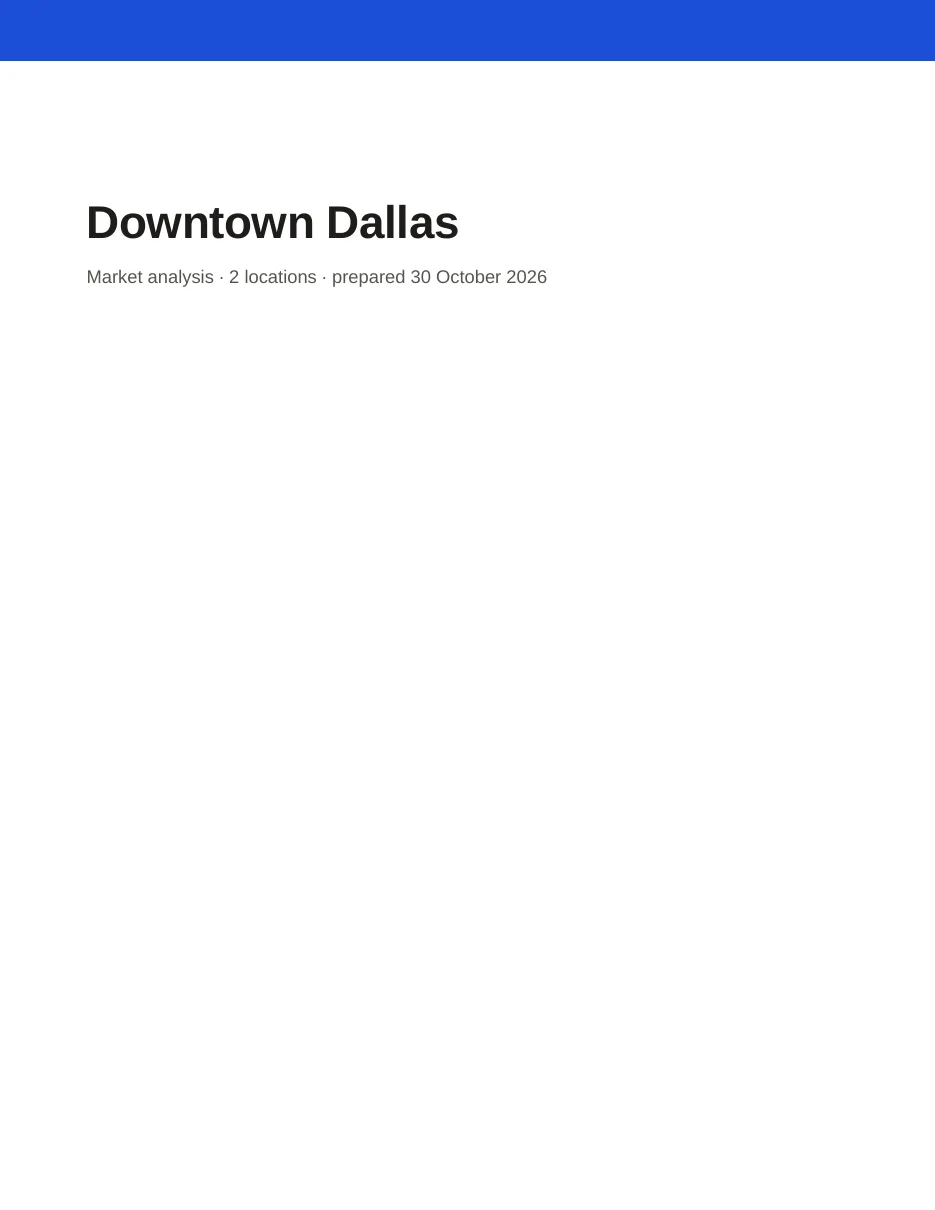
The cover gives the project's name, how many locations it holds, the date it was prepared, and the organization's logo, contact block and accent color from the branding card.
Where lists every location with its shape, its area and its people, draws them on a map, lists the project's pins that their owner left in reports, and carries the overlap notice when the areas overlap.
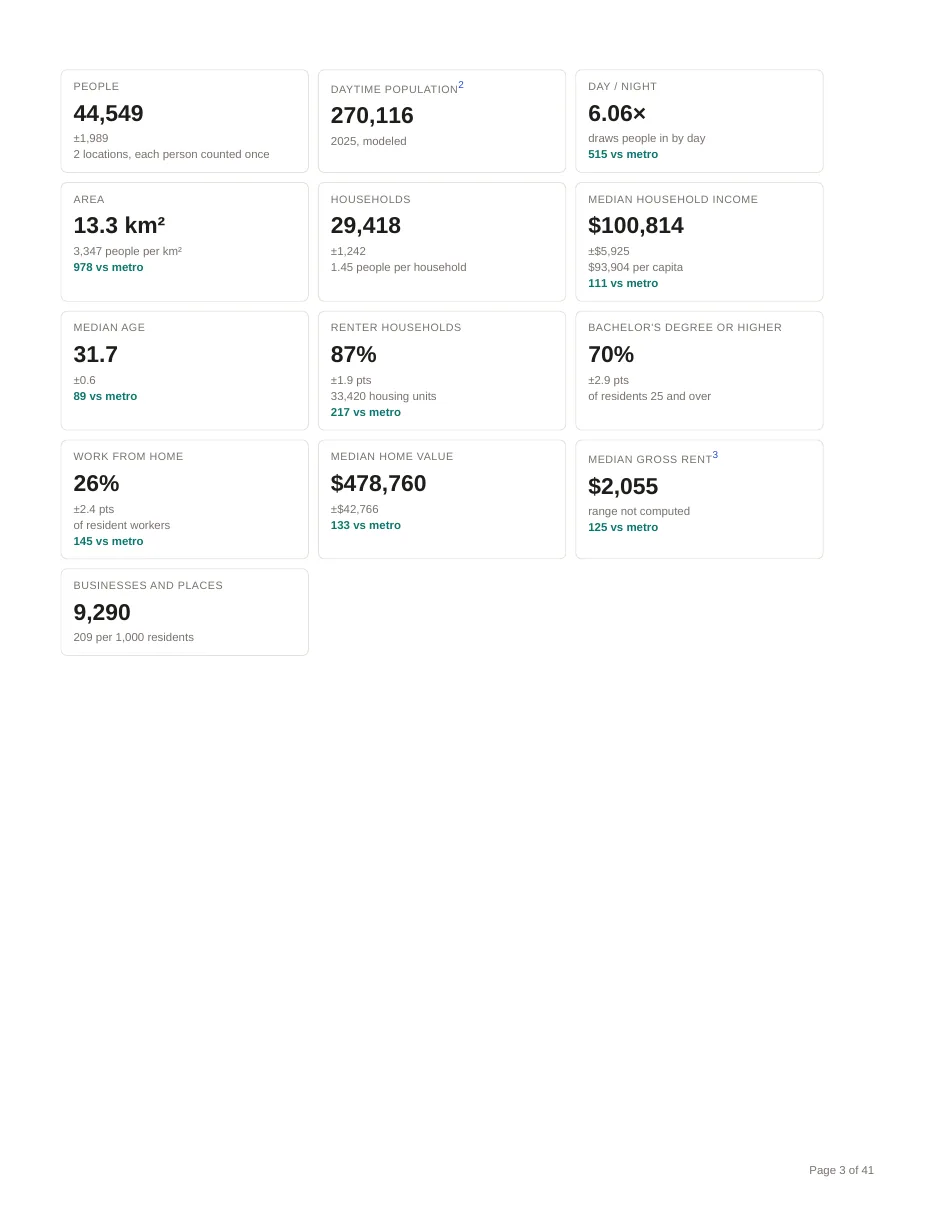
Part 1, Overview opens with the narrative if one has been saved, then the At a glance figures with their ranges and index chips, the benchmarks against the city, county, metro and nation, the locations compared, the rings table for a ringed area, population over time, county momentum and the add-on datasets.
The people, housing, work and movement parts follow the analysis page's tabs, namely the composition bars, the combined tables of age and sex and the others, the housing composition, day and night, employment, occupations, traffic counts and the week, when the place is busy, and transit access.
The economy part gives the indexes against the nation with their parts, spending potential, tract designations, home prices, banking and the indexes by location.
The businesses part gives the businesses and places by type and brand, the competition and co-tenancy results when a kind of business or a brand has been chosen, and the business change.
The deciding parts print the site criteria grid with the criteria stated, the stress test's sentences and matrix, the decision with its frozen context, the compare locations tables, and the latest coverage gap search.
All variables lists every figure for every location, with margins, and Methodology closes the report with how each figure was made, so that the report stands on its own.
The narrative
A report can open with a few paragraphs of prose. On the Overview tab of the analysis page, the Narrative box takes a text you write, or a draft the assistant writes from the project's own figures when you press Generate from data. Every number in a draft is matched against the figures before it is shown, within the rounding written, and a sentence with a number that does not match is removed and counted. Nothing prints until a person has read the draft, edited it and saved it, and the report says who did and against which data release.
Reading the report
Every figure that the page marks is marked the same way in print. A survey figure carries its range beneath it. A figure the page marks as approximate is footnoted with how it was made. A faded figure is faded. A withheld figure is absent with its reason. The footer of every page carries the page number, and the methodology at the back says what each source is and when it was published.
An example
The Downtown Dallas report built on 30 October 2026 ran to 41 pages. Its cover named the project and the date, its Where page listed the two circles with 34,714 and 20,779 people and the one pin, and carried the notice that summing the two would count 10,944 people twice. Part 1 opened with the At a glance figures, 44,549 people with a range of plus or minus 1,989 and an index of 111 on median household income against the metro, then the benchmarks table with each figure's index and range, the locations compared, the population charts for night and day, and the county momentum sentences for Dallas County.
Things to know
The report is a snapshot. A project that changes after it was built needs a new build, which is a button.
The map on the Where page is drawn by a map service and is left out, with a note, where that service is unavailable, as the locations are still listed and drawn on the analysis page. Map image and data exports makes a picture of the map in the browser whatever the service.
A report of a project with many drive time areas and every tool in use can run to sixty pages. The parts are in a fixed order, so a reader who wants one can find it from the part titles.
Related pages
Share links deliver the same content as a page that stays current. Map image and data exports covers the other files. The assistant drafts the narrative, and Plans, limits and usage covers the branding card.